Commands
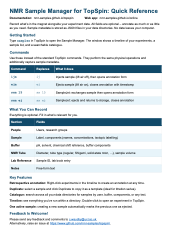
Download a one-page quick reference sheet for a printable summary of all commands.
These commands are drop-in replacements for TopSpin's ij,
ej, and sx that add metadata capture. One sample
annotation spans multiple experiments: you create it when loading the sample and
close it when removing it.
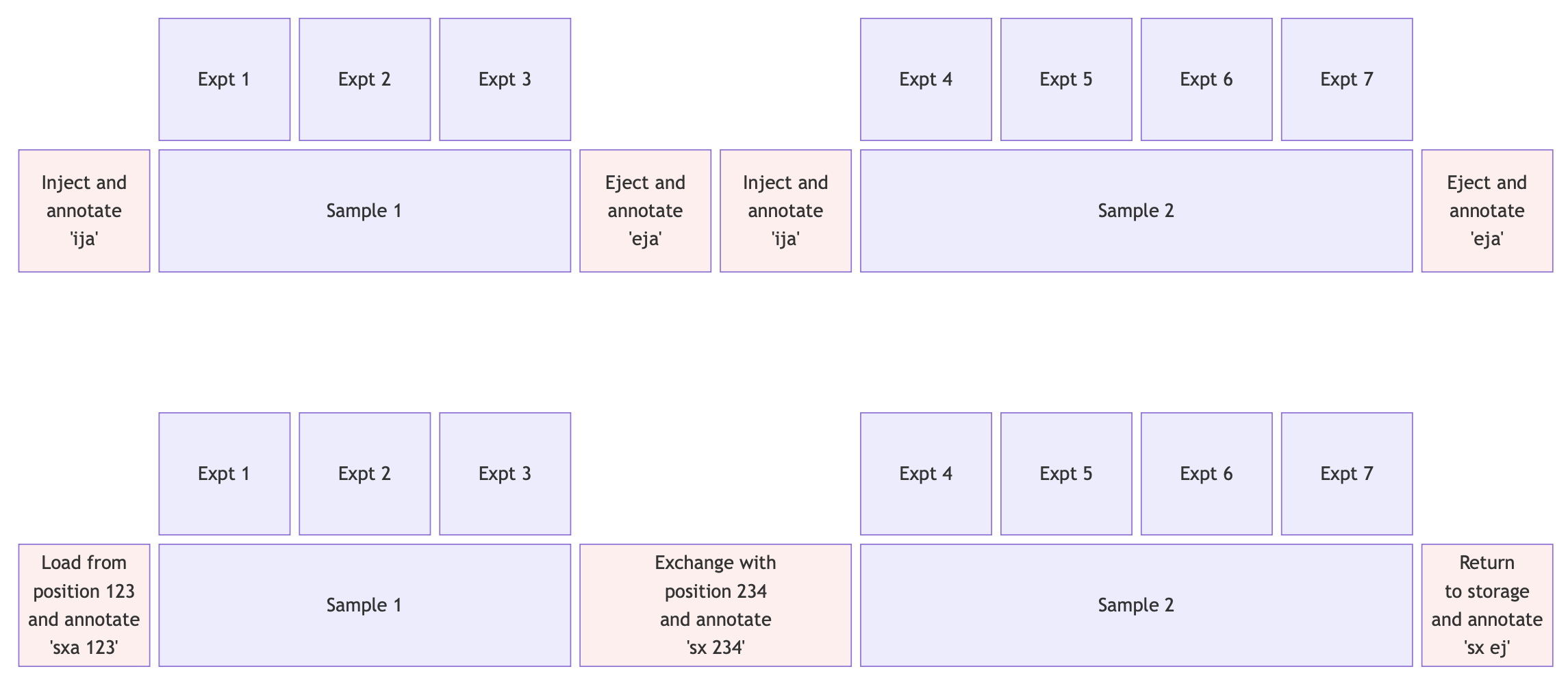
ija — inject and annotate
Replaces ij. Turns off lift air to lower the sample, then opens
the annotation form. Fill in sample details (all fields optional) and save to
create a JSON file with the current timestamp.
If a sample is already active in the current directory, you'll be prompted to either keep it (if you're continuing with the same sample) or eject it first.
eja — eject and annotate
Replaces ej. Turns on lift air to raise the sample and closes the
active annotation with an ejection timestamp. You can optionally add notes before
closing. If no sample is active, the command just performs the physical
ejection.
sxa — SampleJet exchange and annotate
Replaces sx for automated sample changers.
sxa 15— loads position 15 and opens the annotation formsxa 234— ejects current sample, loads position 234, opens the formsxa ej— ejects and returns to storage, closes the annotation
The SampleJet position is recorded automatically in the metadata. Without an
argument, sxa prompts for a position number or ej.
Available Fields
Everything is optional. Part of a typical annotation might look like:
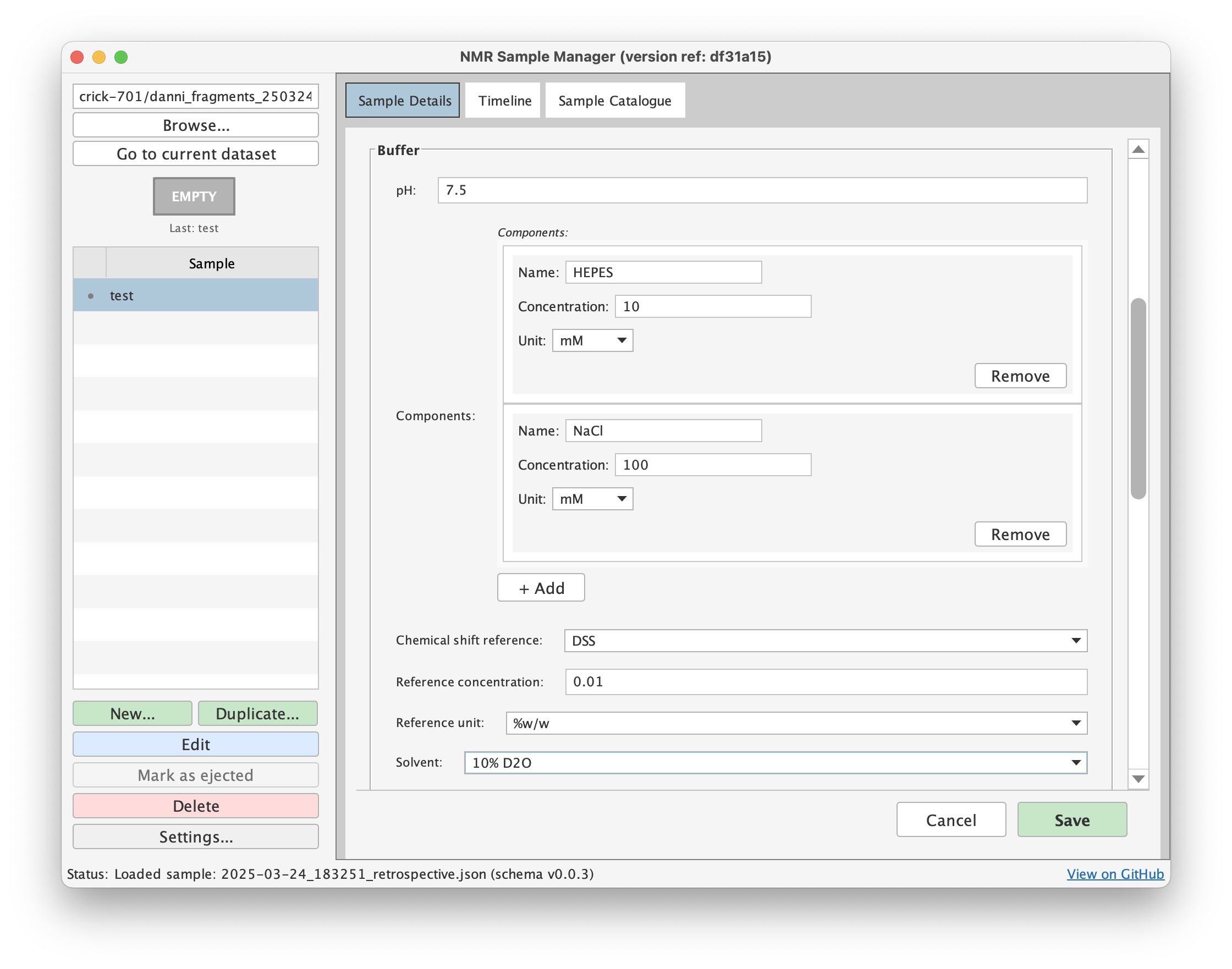
The full set of fields covers people (users, research groups), sample components (name, concentration, isotopic labelling), buffer (solvent, pH, chemical shift reference, components), NMR tube (diameter, type, volume, SampleJet position and rack ID), laboratory references (sample ID, lab book entry), and free-form notes.